Tabbi
Turn your new tab into a minimalist, customizable hub powered by your bookmarks.
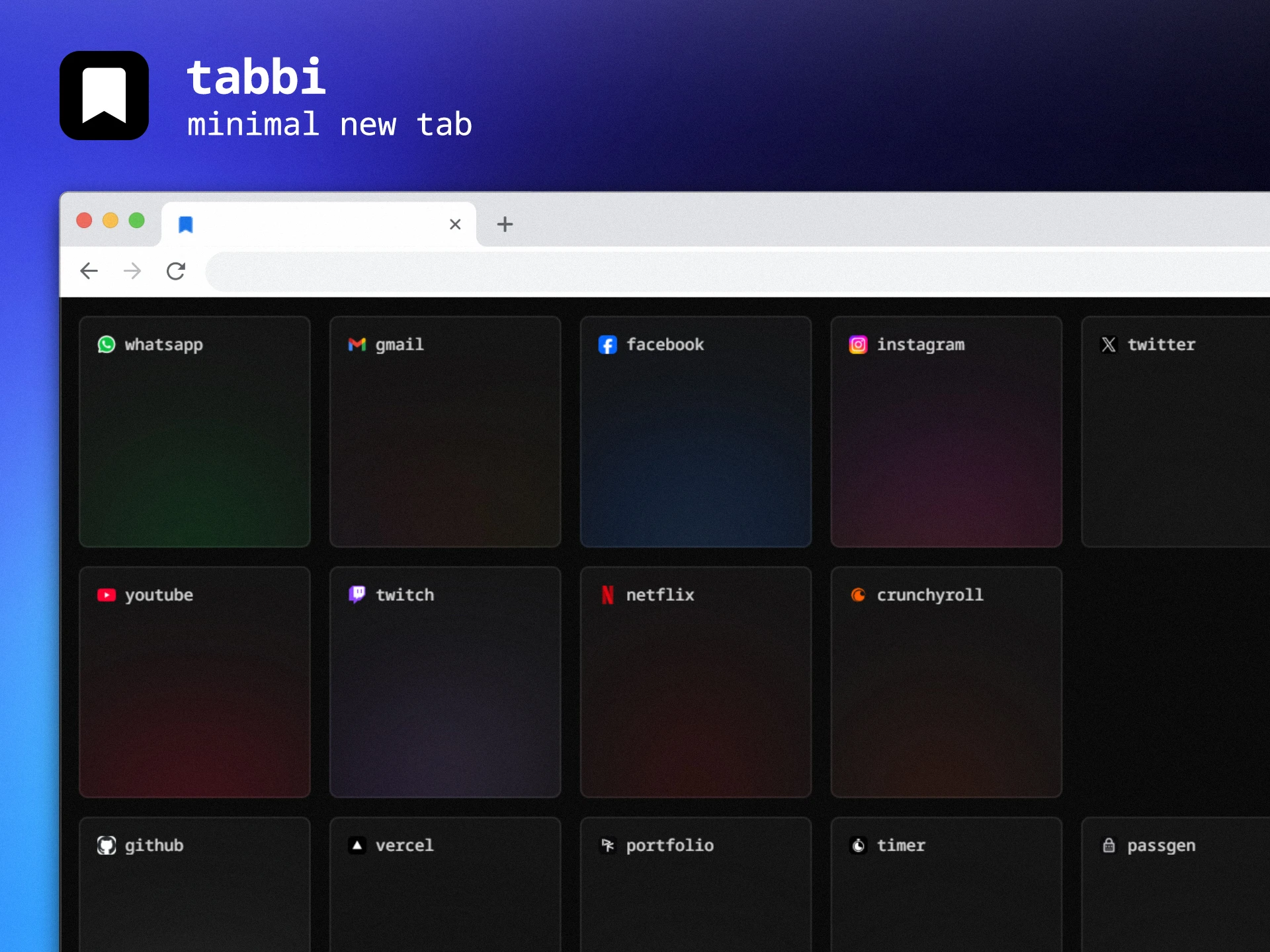
A minimalist, bookmark-driven New Tab replacement for people who can't live without their shortcuts.
The Motivation: A Minimalist's Necessity
I am one of those people who simply cannot function without immediate access to my most-used sites. My browser's "New Tab" page is my digital cockpit.
Before Tabbi, I built a precursor called Newtab Homepage—a somewhat precarious PHP-based CRUD where I managed bookmarks and exported a static index.html to manually set as my home page. It worked, but it was friction-heavy. As I learned more about browser extensions, I realized I could eliminate the middleman and build a seamless, native experience that reads directly from where my bookmarks already live.
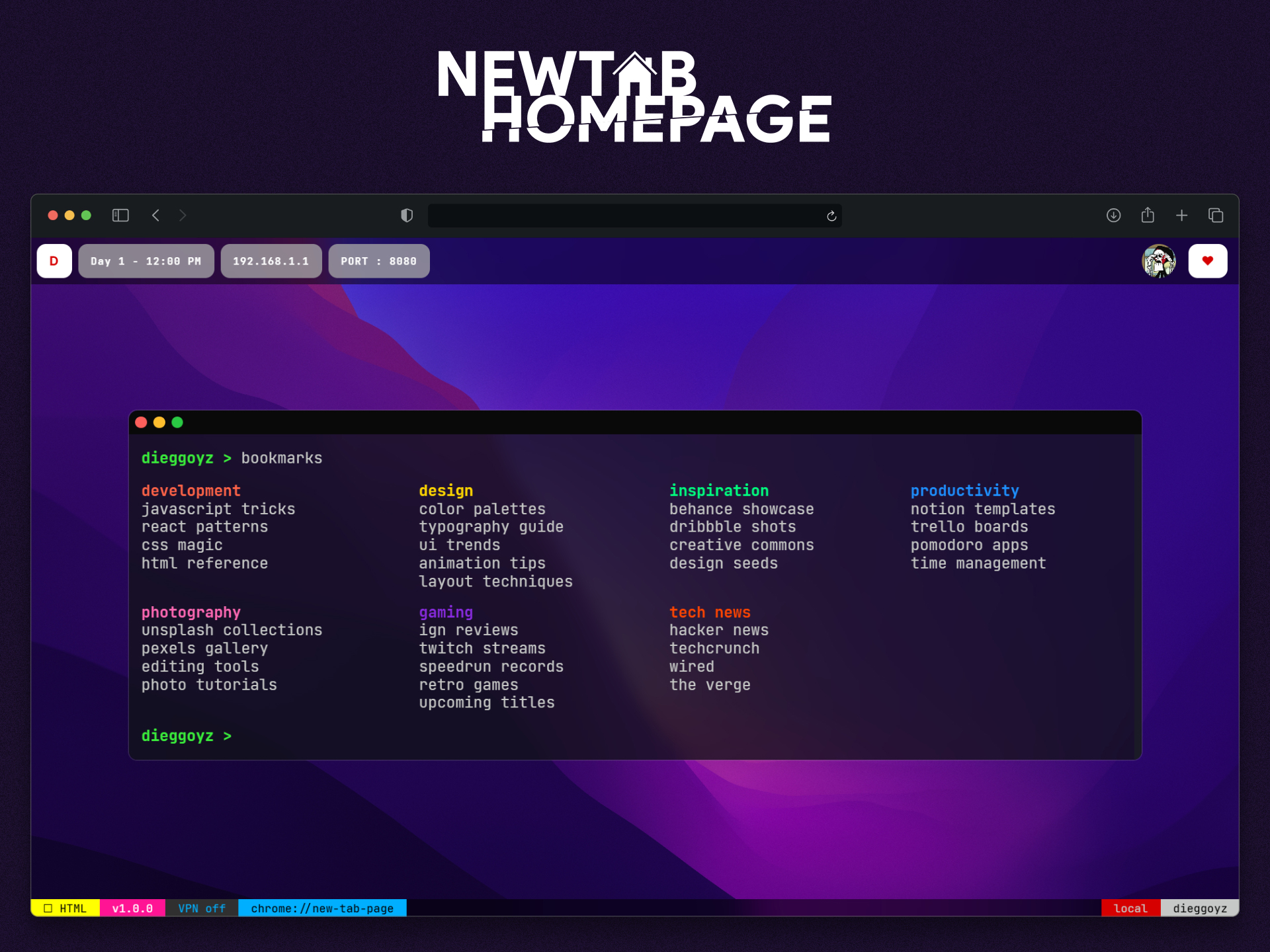
The Solution: Tabbi
Tabbi is a Chromium extension that replaces the default (and often cluttered) New Tab page with a clean, grid-based dashboard.
Instead of forcing you to use a separate database, Tabbi intelligently scans a specific folder in your browser's native bookmarks (named "Tabbi") and renders its contents—including subfolders—into a beautiful, customizable interface.
Key Features
- Zero Maintenance: Just move your bookmarks into a folder named "Tabbi," and they appear instantly.
- Hierarchical Support: Organizes subfolders into distinct sections, keeping your workspace structured.
- Lightweight & Fast: Built with vanilla technologies to ensure your New Tab opens instantly, every single time.
- Privacy-First: No external servers, no tracking. Your data never leaves your browser's local bookmark storage.
Evolution: From PHP to Native Extension
This project represents a significant personal milestone in my development journey:
- Phase 1 (The Hack): A PHP CRUD that required manual exports.
- Phase 2 (The Refinement): Understanding the chrome.bookmarks API to create a dynamic, reactive UI that responds to your browser's native state.
Tech Stack
- JavaScript Vanilla: For direct interaction with the Chrome/Chromium APIs.
- HTML5 & CSS3: Focused on a minimalist, distraction-free aesthetic.
- Chrome Extension API: Leveraging the bookmarks and tabs permissions for a seamless integration.